
Scout a habitable planet, upgrade your Home Spaceship into a Settlement Spaceship, load supplies and 10 Peeps, then launch and choose a landing zone to establish an outpost. Beyond These Stars outposts supplement your city on Kewa with planetary resources. You'll need access to space exploration, a suitable planet and the Settlement Spaceship unlock in the technology tree's Advanced category.
How do you travel to planets in Beyond These Stars?
Ask Kewa to travel between star nodes on the Galaxy Map, then send a Scout Ship to investigate objects in the system and find a habitable planet. The Galaxy Map becomes available when you unlock travel with Kewa, and more of it opens as your journey progresses.
Launch your Scout Ship
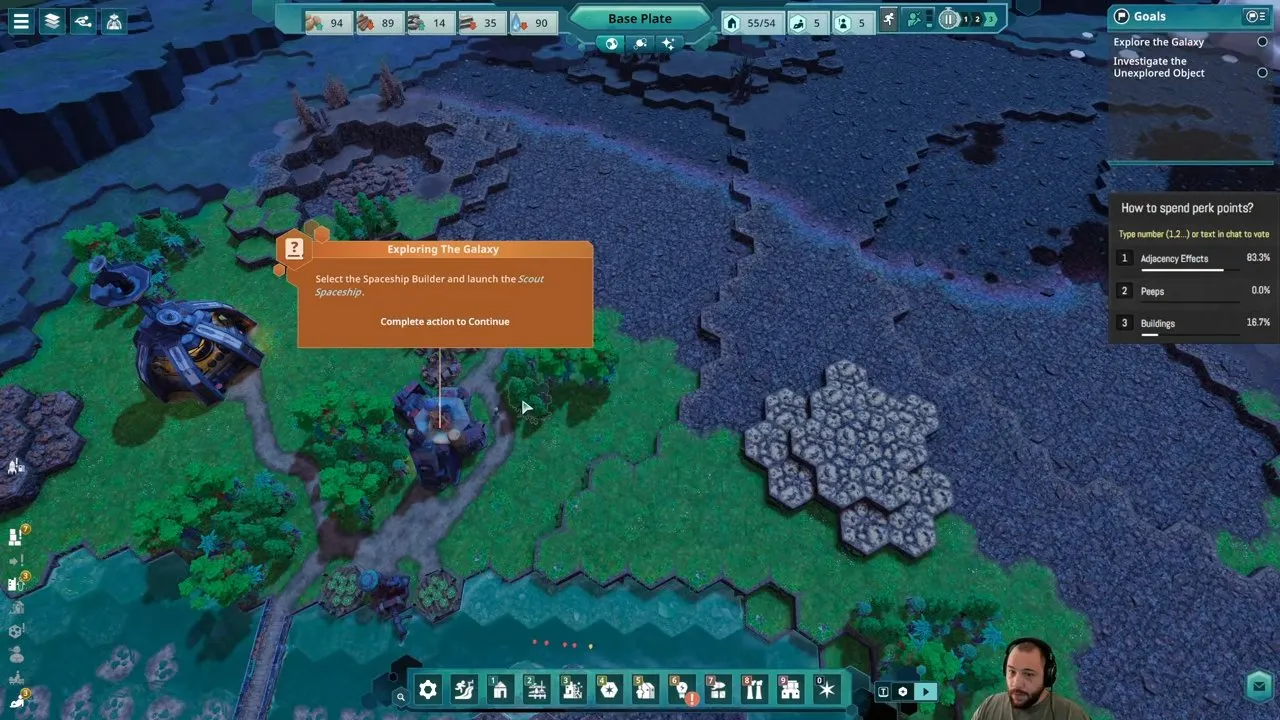
Select the Spaceship Builder and launch the Scout Ship when it is ready. The Exploring the Galaxy tutorial points you to this building.
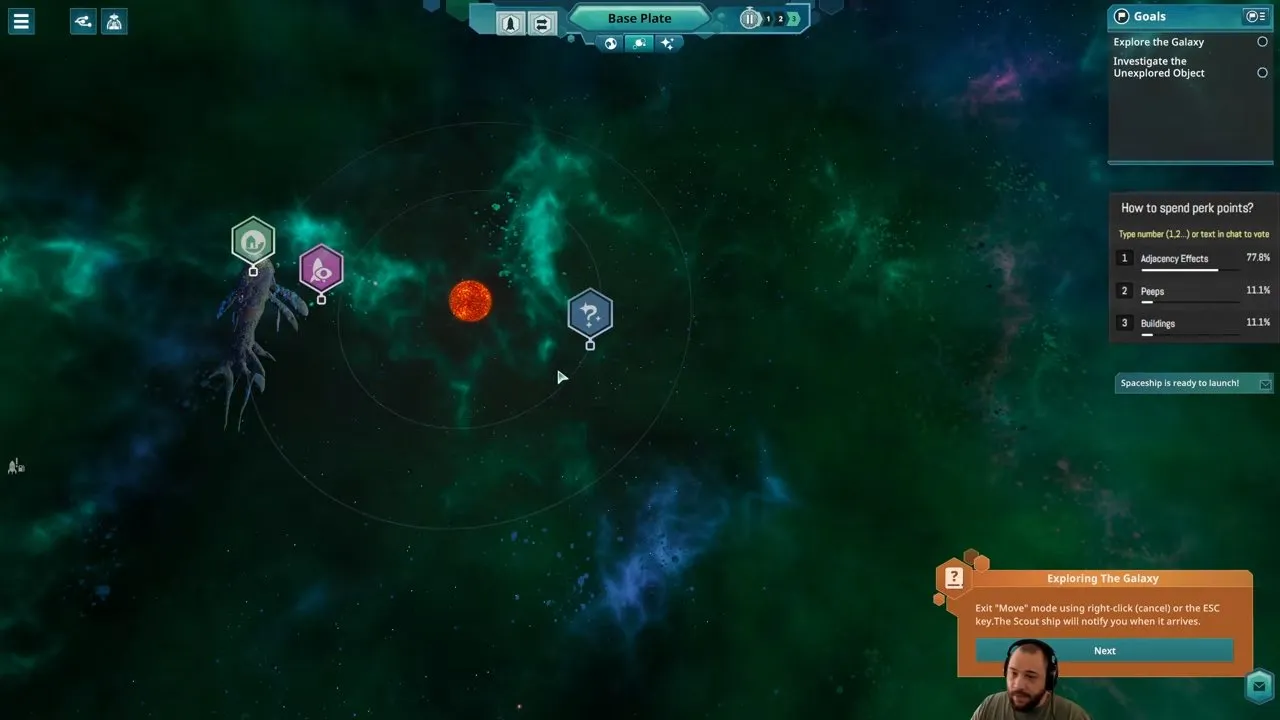
Investigate an unexplored object
Select the scout on the space map and right-click the target, or select the investigation target and send the ship from there. You'll get a notification when it arrives. At each new star, check for unexplored objects before committing to settlement.
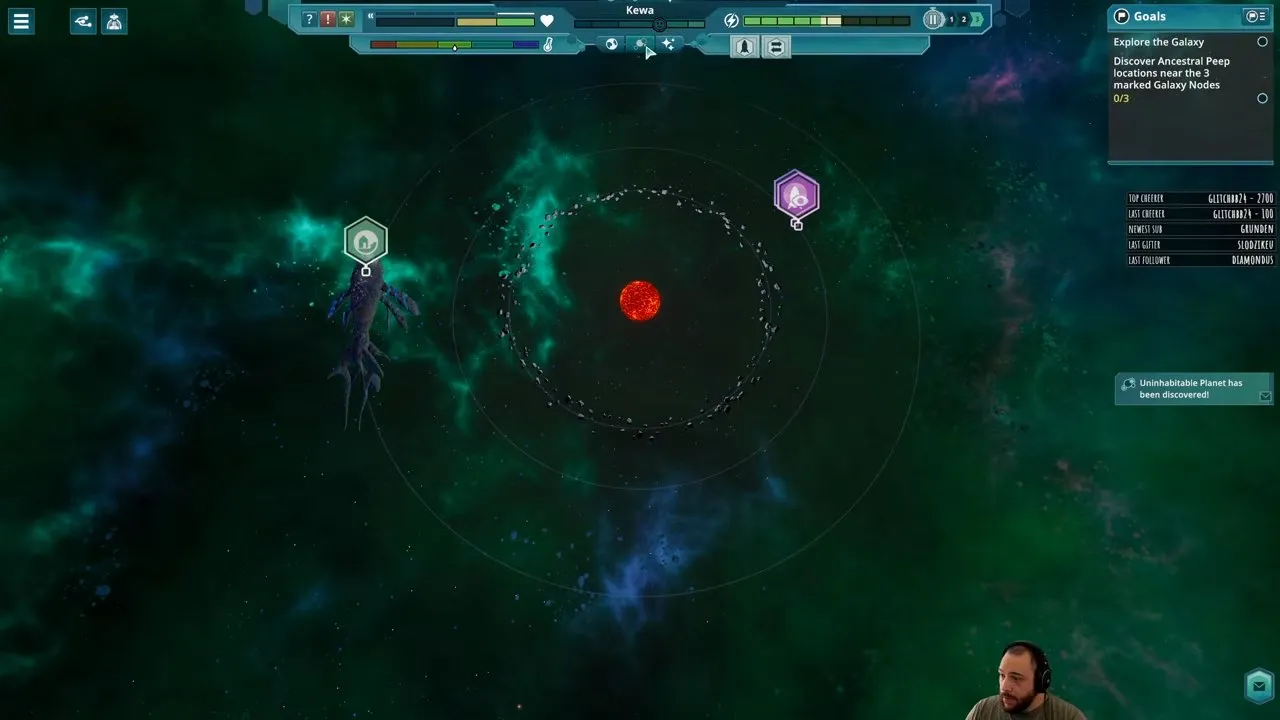
A planet being visible does not make it settleable. An Uninhabitable Planet is a barren rock you cannot colonize, so keep scouting for a world that supports Peep life.
Bring the scout home and refuel
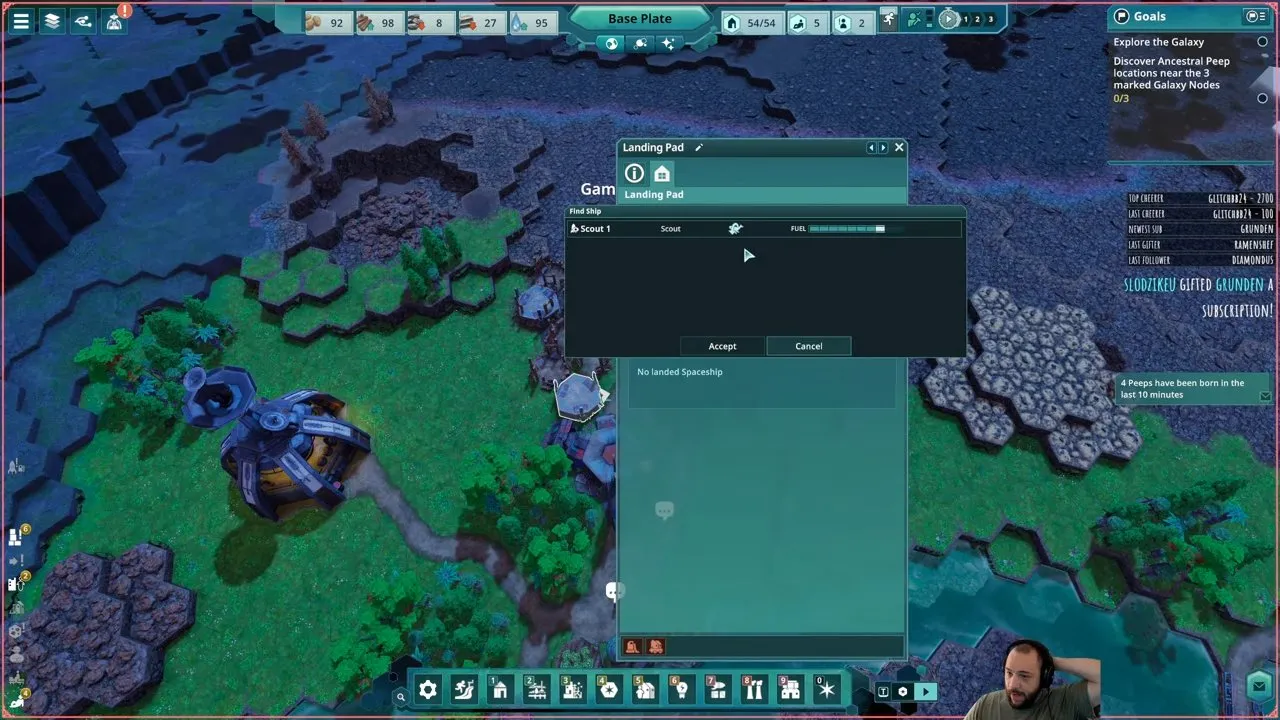
Build a Landing Pad, open its interface, find your Scout Ship and choose Accept to bring it down. A Space Port lets you refuel the scout. Its fuel is finite, so get refueling in place before relying on repeated trips.
Request travel to another star when needed
If you need to search another system, select a star node on the Galaxy Map and request travel with Kewa. Recall your scout before moving on. Keep an eye on temperature as well as the destination: excessive heat or cold affects Peep mood and crop growth.
Spending too long somewhere hot can lower Kewa's happiness enough to trigger emergency travel to a cold area. Your relationship with Kewa also affects how well you can anticipate leaving a system. Look after Beyond These Stars Kewa while you develop the outpost.
How do you colonize a planet in Beyond These Stars?
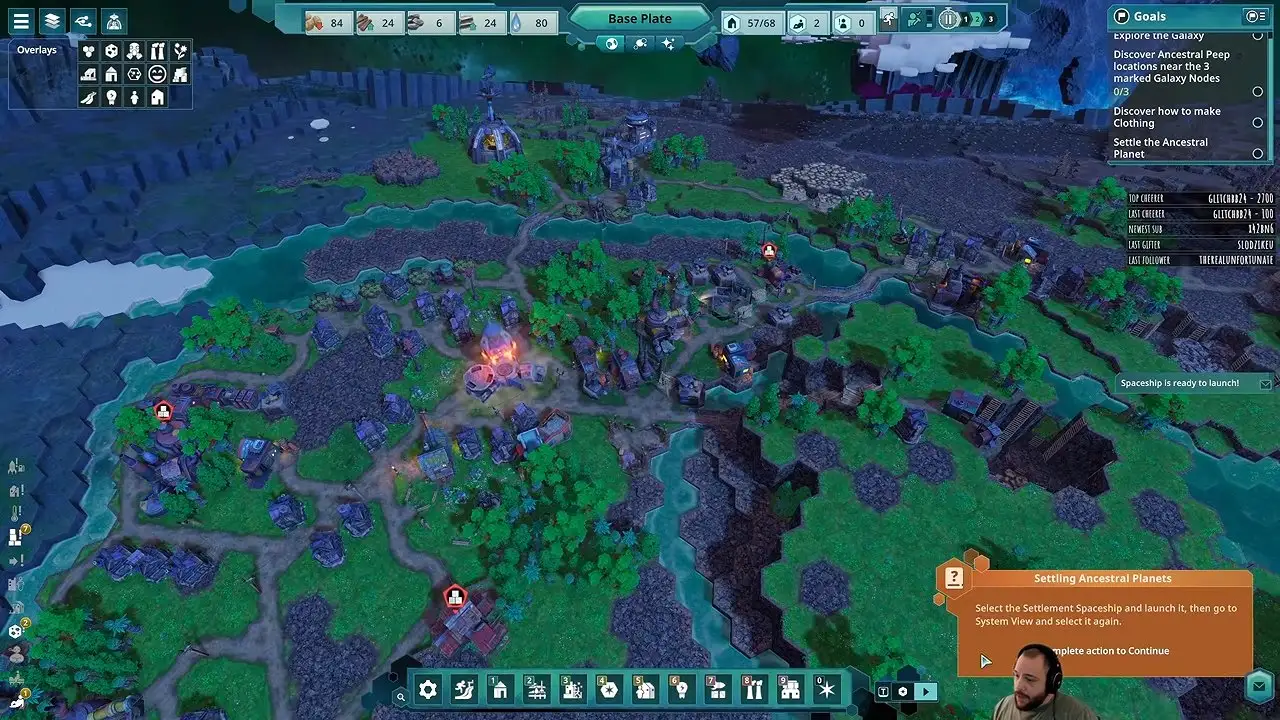
Unlock the Settlement Spaceship under Advanced, place it over your Home Spaceship to upgrade it, then load the ship and send it to a habitable planet.
Unlock the Settlement Spaceship
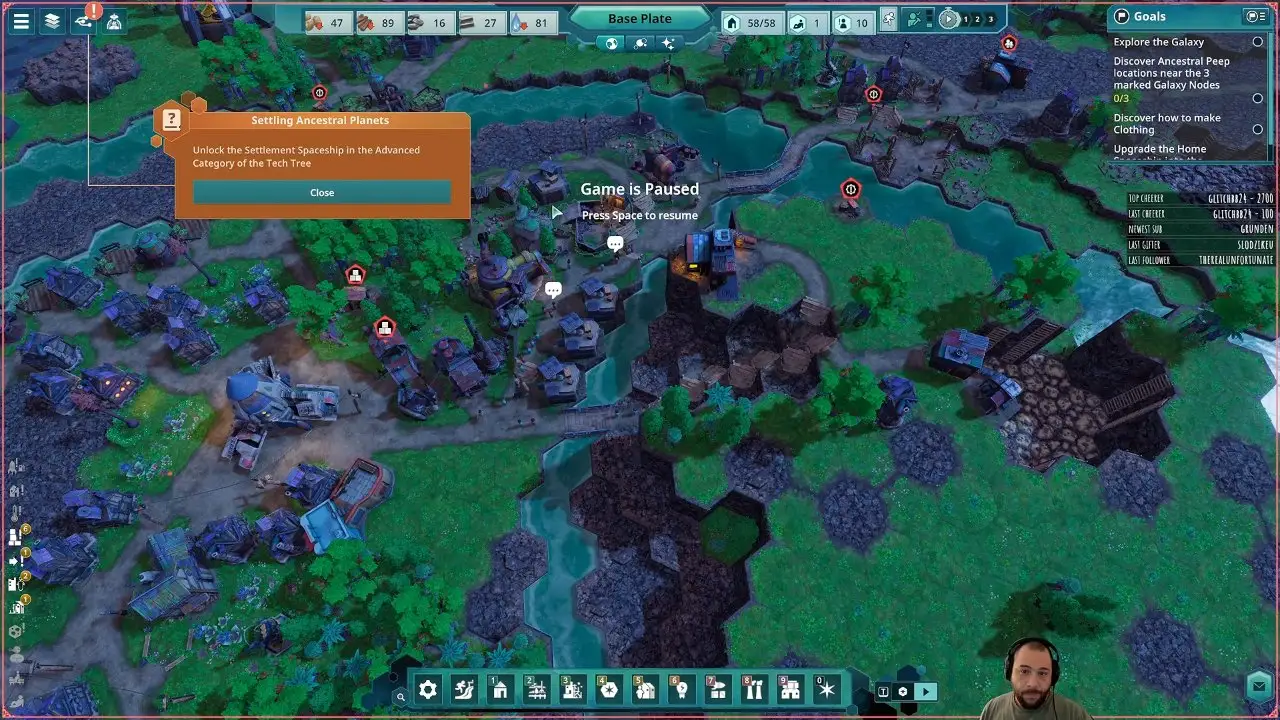
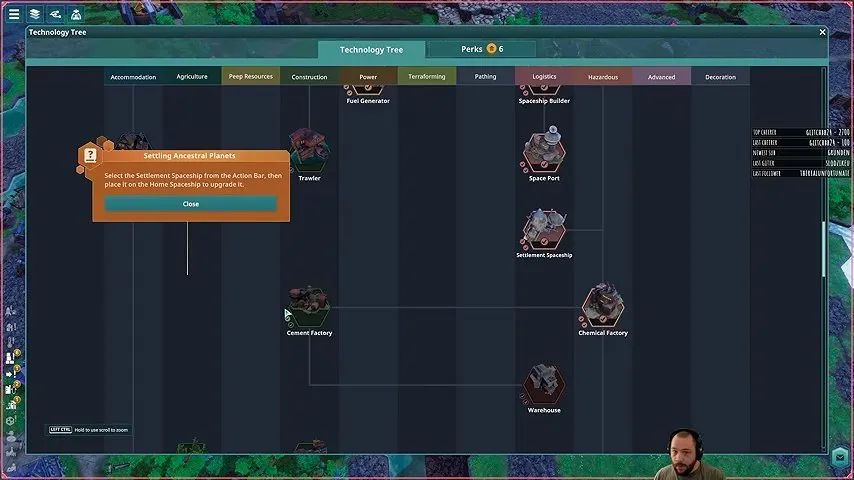
Open the technology tree's Advanced category and unlock Settlement Spaceship. The Settling Ancestral Planets tutorial names that category directly.
Upgrade the Home Spaceship
Select Settlement Spaceship from the action bar and place it on the Home Spaceship. You upgrade the existing ship here; the Spaceship Builder is not where you manufacture this colony ship.
The upgrade removes the Home Spaceship's continuous basic-resource production in exchange for a larger cargo hold and a Landing Pad attachment. Get your own basic-resource supply running before you make that trade.
Default Loadout: best for your first settlement
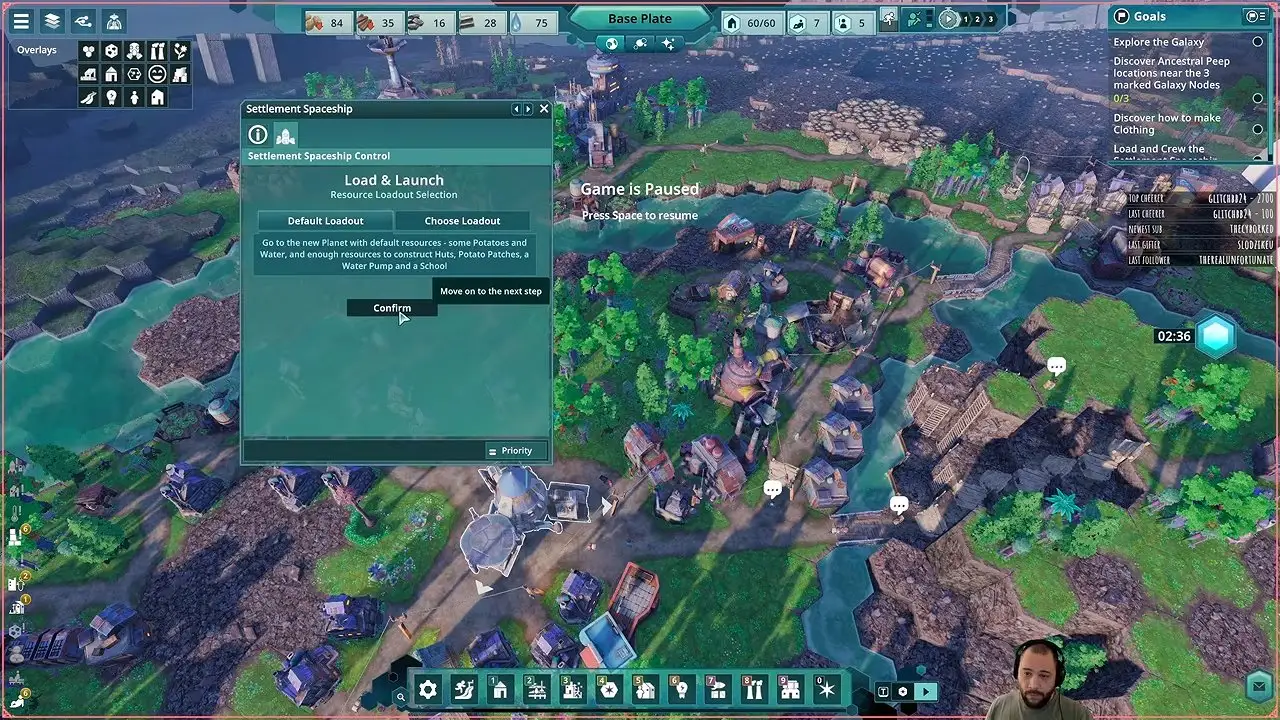
Choose Default Loadout if you want supplies for huts, potato patches, a water pump and a school. It gives you a straightforward starting package for getting the settlers housed and supplied. In the ship's Load & Launch panel, select the loadout and confirm.
Choose Loadout: pack specific resources
Choose Choose Loadout when you want to specify the resources yourself. This lets you pack for your own building plan instead of taking the default package. Keep the settlers' basic needs in that plan.
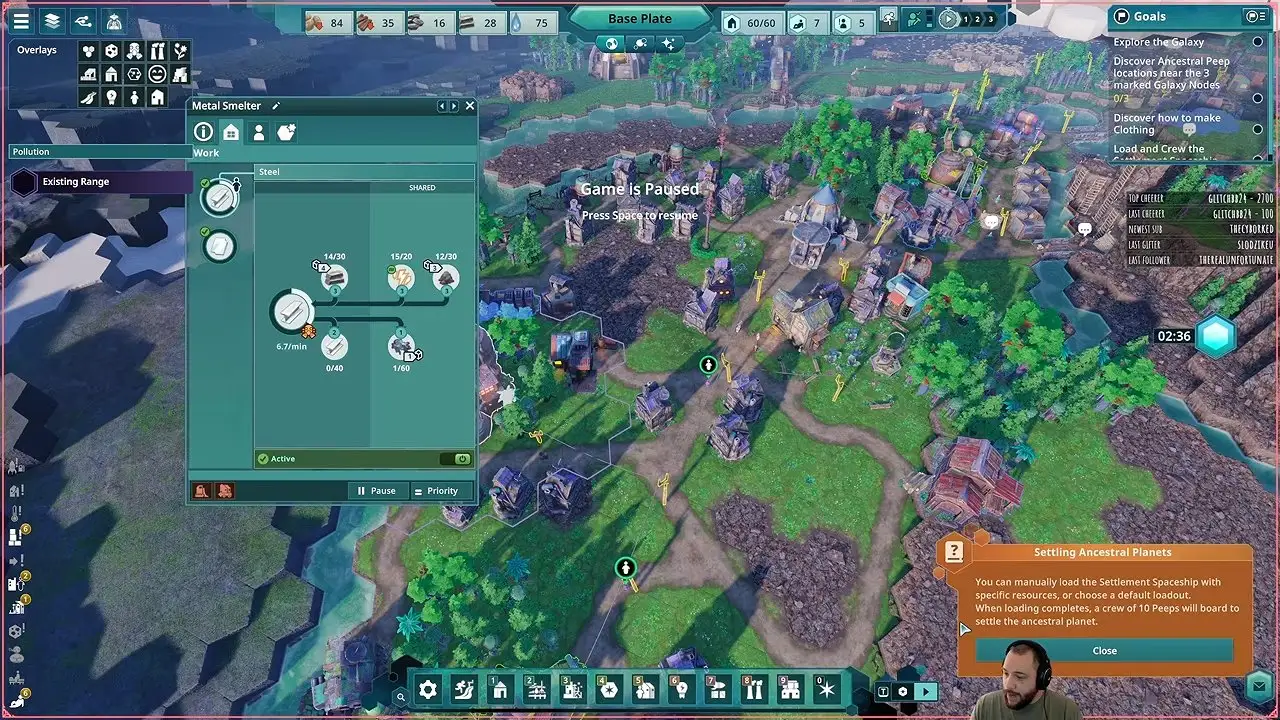
After cargo loading finishes, 10 Peeps board the ship to settle the planet. Wait for the supplies and crew before launching.
Launch and select the ship in System View
Select the loaded Settlement Spaceship to launch it. Switch to System View, select it again and send it toward the habitable planet. Launching from Kewa is only the first part of the journey.
Choose a landing zone and wait for landfall
On the destination planet, select a suitable landing zone, then wait for the ship to travel there and land. The planetary view prompts you to Select a suitable Landing Site.
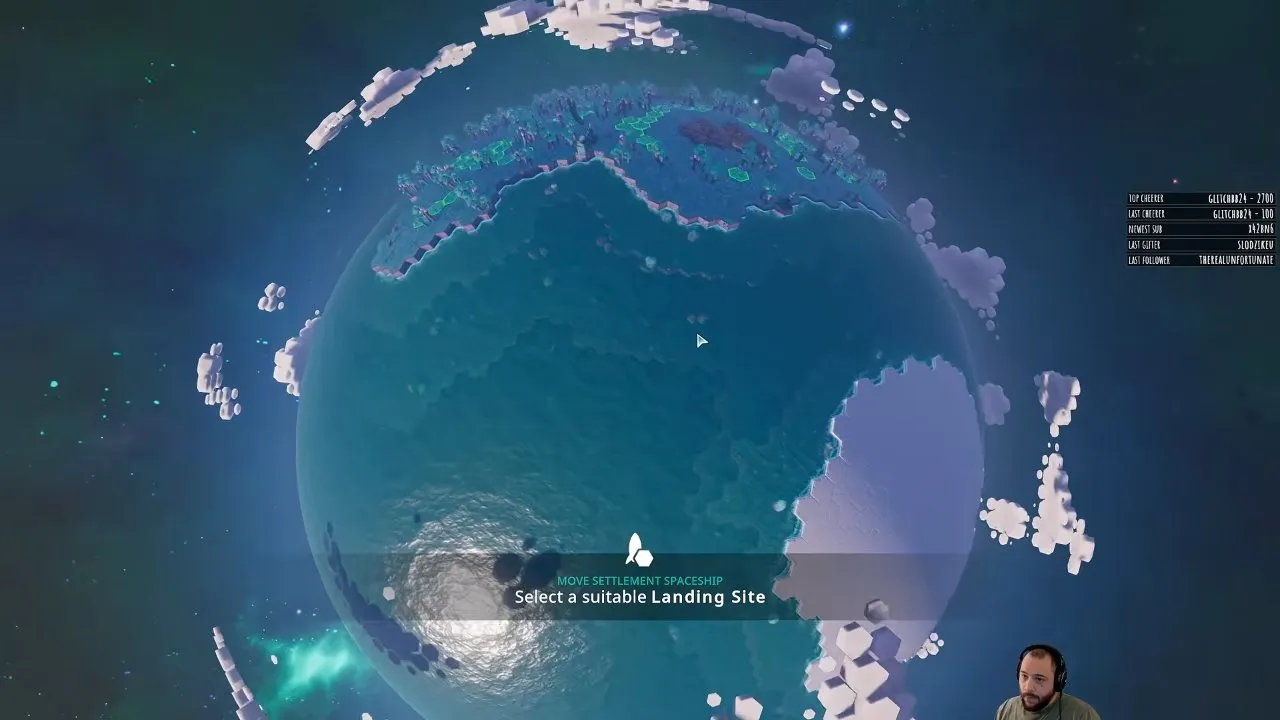
The Settlement Spaceship can land without a prebuilt Landing Pad. Its attached pad gives your new settlement immediate access to shipping. To take the Settlement Spaceship off again after landing, first build at least one Space Port locally.
How do you supply outposts and send resources back to Kewa?
Use Trade Ships to carry resources between Space Ports, supplying the new outpost from Kewa first and shipping planetary resources back once production is running. Kewa remains your main base; a new planet may lack basic materials it needs for construction.
- Establish the settlers' basic infrastructure using the cargo you brought.
- Ship missing building materials from Kewa so local shortages do not stall development.
- Start gathering the planet's useful resources and send them back to support your city.
| Shipping mode | Choose it when |
|---|---|
| Manual | You need a specific amount for a building project or an urgent shortage. |
| Automated | You want an ongoing supply of a resource. |
A Space Port supports up to 4 Landing Pads, and each pad holds 1 ship at a time. If several ships need the same port, additional pads give them more room to land.
On a lush planet with ocean, Trawlers collect shells for cement production. That makes the ocean useful even when it takes up much of the world. Cows, chickens and new crop seeds can also broaden what you produce; settling the lush ancestral planet opens technologies including Orchard and Pasture. Connect these imports to your Beyond These Stars resources production chains back on Kewa.
Check the deposits on your planet before planning around local stone or iron. Some lush planets have both, others have neither, and then every building material has to come from Kewa by Trade Ship.
Once the settlers have landed and shipping is running, you have a resource outpost that can feed new materials into your city on Kewa. Build around what that planet actually offers, then follow the Beyond These Stars tips as you balance expansion with the needs of your main settlement.